

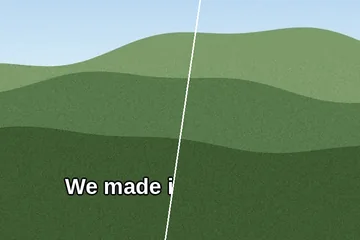
 Subtitles
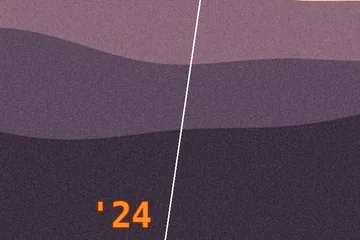 Date stamps
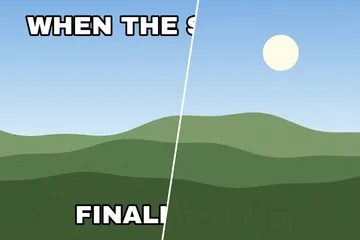 Meme captions
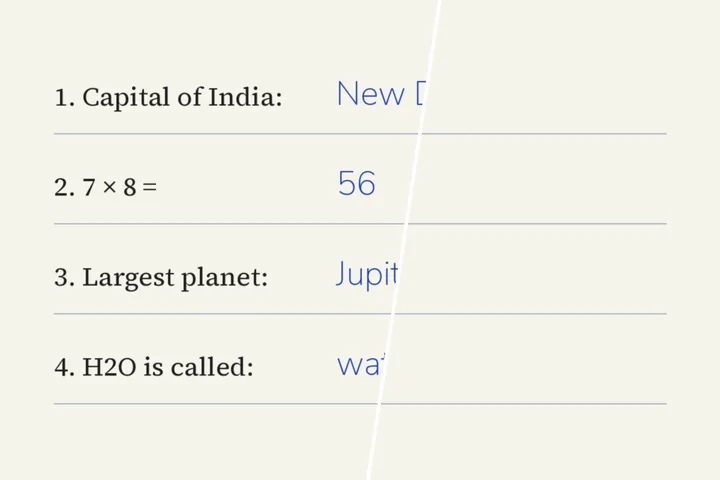
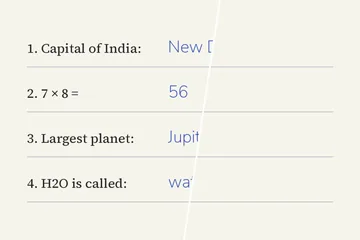 Handwriting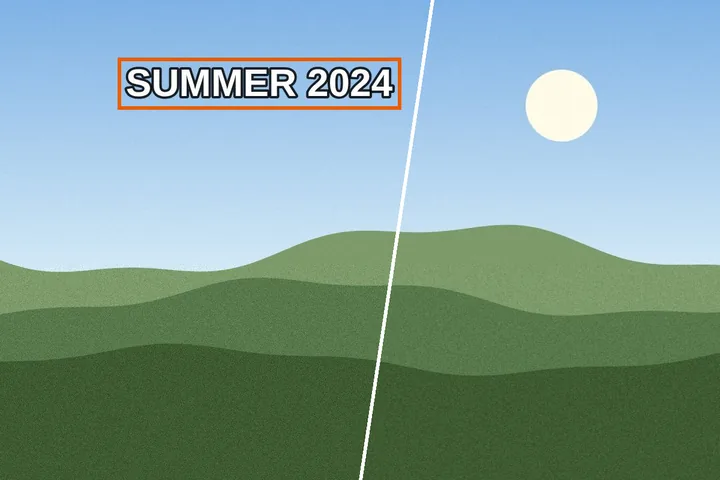
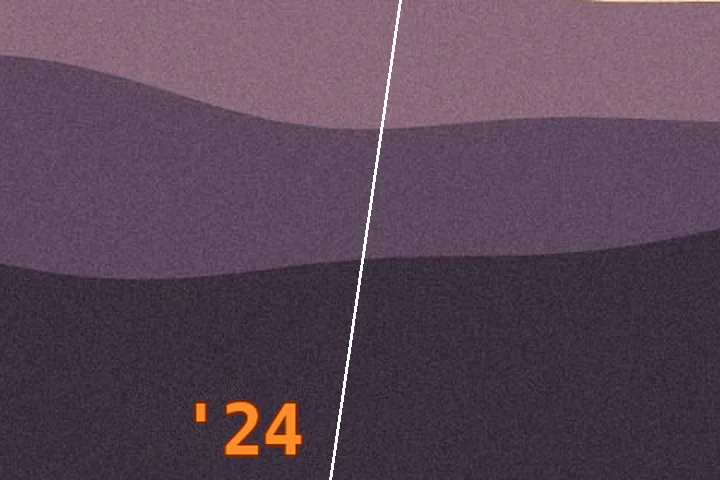
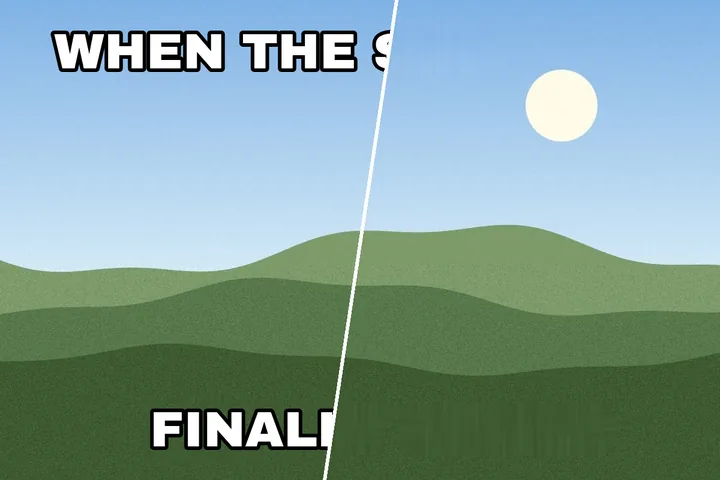
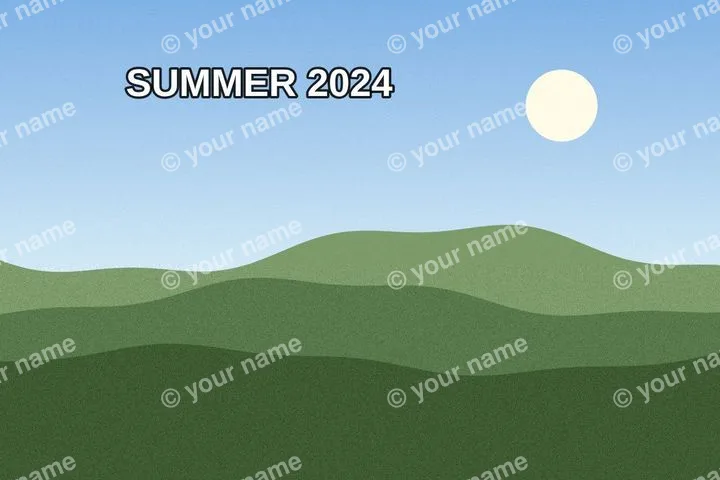
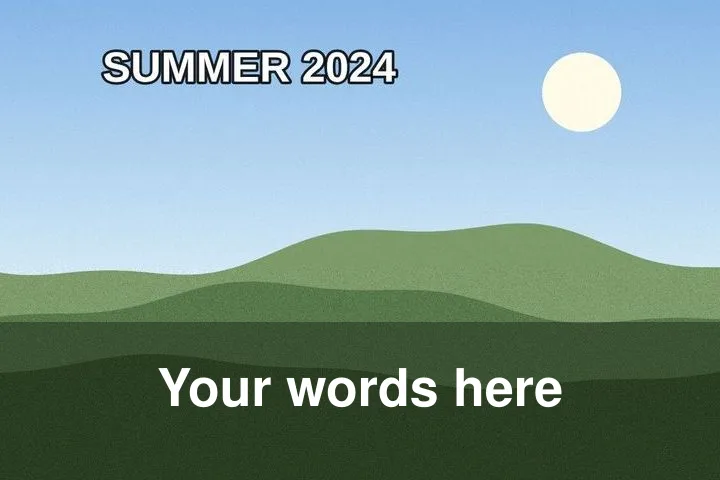
What this clears away
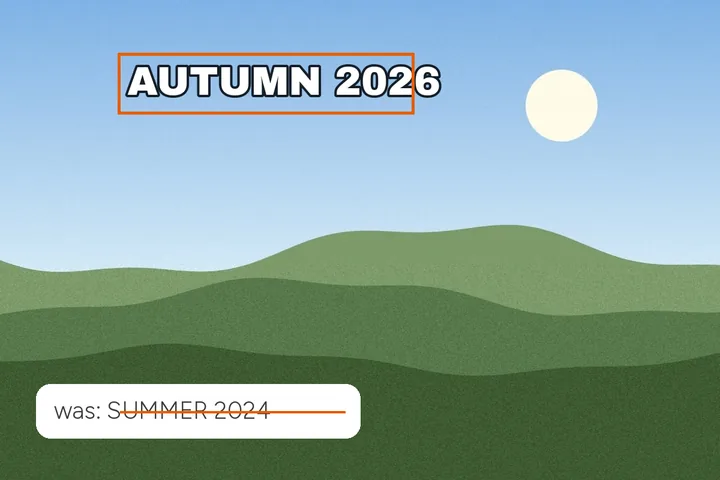
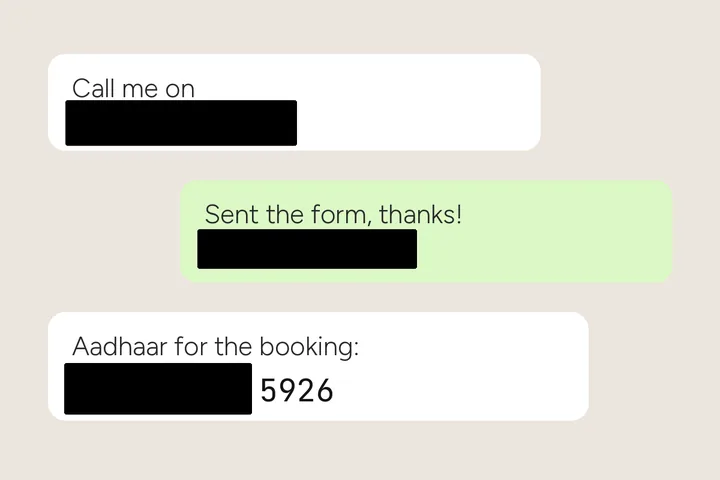
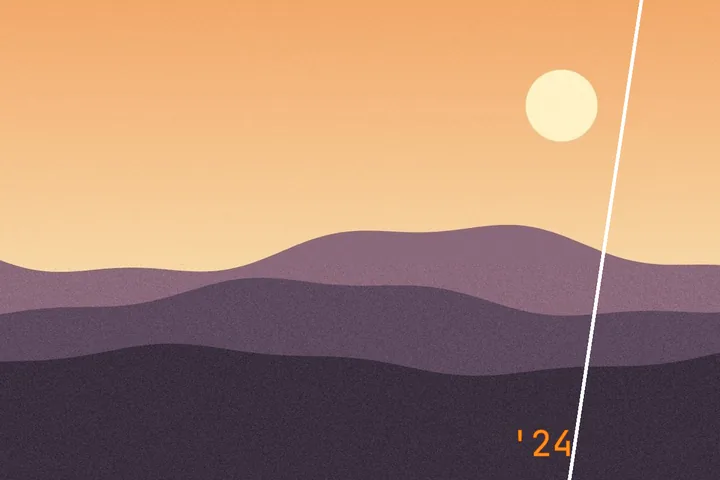
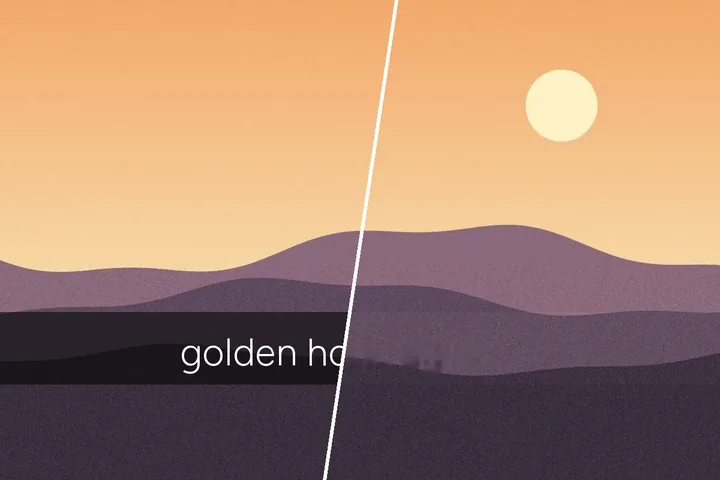
Somebody burned words into your picture and did not keep a copy without them. A subtitle strip across the lower third. A date the camera printed into the corner in 1997. A caption bar on a screenshot, a label on a sign, a mark across a proof. You want the picture and not the words, and there is no layer to switch off, because the letters are the picture now.
So the job has two halves. Saying where the lettering is, and working out what should stand in its place. This site proposes the first half — it reads the frame and boxes what looks like lettering — and leaves the decision with you, because a finder that is sure of itself is how a sign gets painted out of a holiday photograph. For a caption bar, a date stamp or a screenshot header, a box of your own takes about a second.
Nothing behind those letters was ever recorded, so what you get back is a good guess rather than a recovery — over a face, a keyboard or a course of brickwork you will usually be able to tell that it guessed.
That sentence is why the box list shows you a crop of every region before you commit to it, and why the site marks the boxes it expects to handle badly instead of letting you find out afterwards.
Working through the boxes
One. Open the frame
Drop it, press the zone, or paste it straight in — screenshots usually live on a clipboard rather than on a disk, so the paste is the shortest route and it works everywhere on this site. Several files at once opens the queue instead. The lettering is looked for as soon as the frame opens, and what was found appears as numbered boxes; nothing has been changed yet.
Two. Correct the boxes, or drag your own
Let go and the edges look for a strong line within six pixels and settle onto it, which is usually the top and bottom of a caption bar. Arrows nudge the selected box by a pixel and Shift-arrows by ten. Boxes open three pixels wider than you drew them, because anti-aliased type leaves a one-to-two pixel ghost against a tight edge and that ghost is what a fill then continues.
Three. Keep the ones you meant
Every region sits in the text map below the frame as a thumbnail with a checkbox, and tapping a box on the frame does the same. Unticking one leaves it in the list and out of the run. The mask can hug the letters themselves — the ground between them is left exactly as it was — or cover the whole box, with padding and feather in pixels, and a brush adds or protects anything a box cannot describe.
Four. Choose a fill, then run it
Flat colour, diffusion and patch need no download and finish before you have let go of the button. The structure-aware fill needs a model file, says so with the byte count before it fetches anything, checks it, keeps it on the device so the fill runs without the network once this page is open, and is worth it when the ground has structure in it. Press Remove, or Enter. Afterwards every region reports the ink it held before and after, and any that did not come out clean — lettering still readable, a visible edge, a smear on textured ground — is marked, with a one-key revert and the fill worth trying instead.
Five. Save it
PNG keeps every pixel and any transparency; JPG carries a quality control that opens at 92; WebP is there when you want it smaller. The format you came in with is the one offered first, because a caption bar cleared and then re-encoded as JPG picks up ringing exactly where you have been looking. EXIF is your choice: dropped entirely by default, or — for a JPG you opened — the capture date and camera written back, or every field except the location. A location the camera wrote is never written back.
Which fill, and when
There are four, they fail in different directions, and the choice is yours on every run rather than something guessed on your behalf.
| Flat colour | Diffusion | Patch | Structure-aware | |
|---|---|---|---|---|
| Downloads | Nothing | Nothing | Nothing | 26,639,447 bytes plus the runtime, once |
| Time per region | Instant | Under a fifth of a second | Instant | About 2,420 ms per pass |
| Flat ground | Exact | You cannot pick it out | You cannot pick it out | You cannot pick it out |
| Grass, gravel, fabric | A flat blot | Visible smear | Real grain, copied from beside it | Convincing |
| A line crossing the box | A flat blot | Visible smear | A shifted copy of the line | Confident and wrong |
Read the last row twice, because it is the one that catches people. Over a railing, a window frame, a course of bricks or a second line of smaller type, the trained fill produces a crisp surface that was never there — and a crisp fiction is worse than a visible smear on a picture you are about to print. The box list looks at the borders of every region and marks the ones where something appears to run across.
The 512, and why a wide bar is awkward
The trained fill accepts one input size and nothing else: a 512-pixel square. So the picture never reaches it. A region is cut around your box with context on every side, squeezed into that square, run once, and composited back at your picture’s own resolution inside the box only.
A subtitle bar is the awkward shape. Eighteen hundred pixels wide and ninety tall on a 1080p frame gives a region whose long edge is several times 512, and squeezing that into the square costs roughly three and a half times the detail along the bar — the strip comes back softer than the rows above and below it. Past a 1,024-pixel long edge you are therefore offered the other route: overlapping 512 windows along the bar, blended across the joins, each of them close to the picture’s own scale.
That buys the sharpness back and introduces its own failure. Where two sections disagree about a smooth gradient, the join can read as a faint vertical ripple — worst on clean sky, invisible on noise — so each join is corrected for the disagreement measured across its overlap, measured again afterwards, and flagged if it still shows. The panel prints the arithmetic for both before you press anything: how many passes, and how many seconds that is.
Pictures it opens, files it hands back
JPG, PNG, WebP, GIF, BMP and ICO open directly. HEIC — what an iPhone saves unless you have told it otherwise — opens through a decoder of about a megabyte and a half that is fetched the first time you actually open one, and never before. An animated GIF or WebP collapses to its first frame, and the page says so before you place a box rather than after you press save. A CMYK JPEG opens through the browser’s own decoder, which hands back approximate sRGB — the colours will have shifted a little on the way in, and nothing here can put that back.
Past 32 megapixels — 16 on an iPhone or iPad — you are offered a lighter working copy rather than an error, and told what you are agreeing to. Past 100 megapixels, or 120 megabytes of file, it declines and names the limit. Transparency rides through untouched, because the fill rewrites colour channels only.
What it will not do
- Read your text, translate it, or hand it back as charactersThere is no transcription anywhere in this site. A box says where to stop looking, not what is written inside it.
- Swap the lettering for different letteringClearing and then setting new type are two operations, and this one only does the clearing.
- Take out a lamp post, a person or a picture logoThose are not writing, and a rectangle is the wrong shape for them. That work belongs to an object eraser, not to this site.
- Open a video fileFrames only. A subtitle burned into a film needs the frame exported first, which is a job for whatever plays it.
- Claim a result is undetectableNothing here is forensic-proof and nothing here defeats a licence. Both of those are copy rules on this site as much as they are product ones.
Things people ask us about text
Does it find the lettering for me?
Yes, and it shows you before it does anything. When a picture opens, the pixels are read for strokes that stand off their ground — plain arithmetic, no trained model and nothing downloaded — and every line of lettering it finds is laid over the frame as a numbered box with a checkbox. Captions and stamps open ticked; lettering that belongs to the scene, like a shop sign, opens unticked. It misses faint, curved and hand-written text and occasionally boxes a patch of foliage, so drag your own box wherever it is wrong. Finding changes no pixels; only Remove does.
Will it read the words, or hand them back as characters?
No. There is no transcription step here, no language model, and nothing anywhere in the site that turns your picture into characters. A rectangle says where to stop looking, not what is written inside it, and that is the whole of what this site knows about your lettering.
Why did the strip come back smeared?
Because of what was underneath it. Over a flat or softly graded ground — sky, a studio wall, an interface panel — either fill gives you something you cannot pick out. Over foliage, gravel or fabric the diffusion fill smears and the structure-aware one holds up. Over something that crosses the box, such as a railing or a line of smaller type, the structure-aware fill will invent a confident surface that is wrong, and the box list marks those boxes before you run them.
Where does my picture go?
Nowhere. It is decoded in this tab, the boxes are drawn on it here, the fill runs here, and closing the tab is the whole of the clearing up. The one thing that crosses the network is the model file, and only if you press the control that names its size first.
Can I clear the same caption off forty screenshots?
Yes, and that is the case this site was built around. Drop the folder and no rectangle is asked for: each picture is scanned on its own pixels, so a subtitled still, a screenshot and a photograph with a date stamp in the corner each get their own answer. Every row reports how many regions were found, how much of the frame they covered, whether they were laid over the picture or part of the scene, and how much of the ink is measurably gone afterwards — and a picture with no lettering in it comes back byte for byte rather than re-encoded. The finished set leaves as a ZIP.
What about a text watermark on a photograph I did not shoot?
The tool will clear lettering wherever it is, and that includes a mark somebody else put there. What it cannot do is give you a right you never had: a licensed image with the mark cleared off is still a licensed image. There is a page here that works through that question properly rather than ducking it.
Elsewhere on this site
- Subtitle strips Opens with a wide box along the lower third, which is where a burned-in caption almost always sits.
- Screenshots, by the folder Flat ground and sharp edges, PNG in and PNG out, and the queue for a set of frames is on by default.
- Flat ground, busy ground The single best predictor of whether you will be pleased with the result, worked through on three grounds.
- Caption bars, and the two ways to clear one Why clearing the glyphs alone leaves a rectangle, and what one soft pass buys against four sharp sections.