A folder is forty different pictures
The batch tools that ask for one rectangle and apply it to every file work for exactly one kind of folder — identical frames from one source. Everything else ends up with smears where the text was not, and text left where it was. So this queue reads every picture on its own pixels and reports, row by row, what it found and what it did.
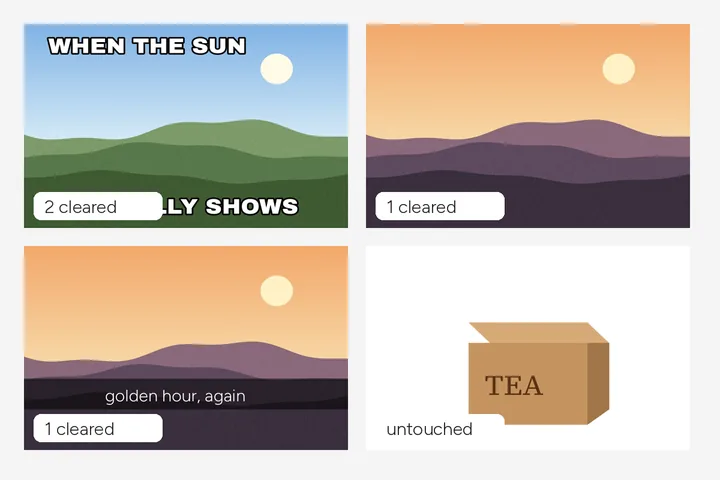
Before you commit, the preflight tells you what you dropped and the preview shows three of the pictures with their boxes drawn. After the run, every row has numbers rather than the word done: regions found and cleared, how much of the frame they covered, the ink inside them before and after.
Where this mode goes wrong
- Scene lettering in holiday photos.Signs and plates are left alone by default; switch to clearing them only if you mean it.
- Closing the tab.A run cannot be resumed after the tab closes; a long folder wants a window you will keep open.
What stays on this device
Every file is decoded, scanned, filled and zipped in this tab. Nothing is uploaded, and pictures with nothing to remove are returned as the bytes you dropped.
Questions about folders
Does every picture need the same box?
No — by default each picture is scanned for lettering on its own, so a folder of different sizes and layouts gets a different answer for each. When every picture carries the same mark in the same place, pick a region template instead (camera-date corner, subtitle lower third, header band, phone status bar, centre watermark, or one you saved); a template you saved on a differently shaped frame is refused for that picture, with the reason, rather than stretched.
What happens to a picture with no text?
It is handed back untouched — your original bytes, not a re-encode — and its row says no lettering was found.
How many pictures can one run take?
Up to 500 files on a computer and 50 on a phone-sized touch screen; anything past that is named rather than silently dropped. The caps are chosen, not yet measured. The preflight shows the count, size and megapixels before you start, and the three-picture preview measures how long finding text takes on your device.
Can I fix one picture by hand mid-run?
Yes. After the run, any row can be opened in the full workspace with "Fix by hand"; when you press "Return to the set", your version replaces that row's result and goes into the ZIP with the rest.
Where the job goes next
- Screenshots, by the folder Flat ground and sharp edges, PNG in and PNG out, and the queue for a set of frames is on by default.
- Remove a date stamp A compact rectangle opens over the lower-right camera-date position, ready to resize around the digits.
- Remove text from a product photo Badges and overlays cleared, printed branding kept, and a listing check for size and a white border.