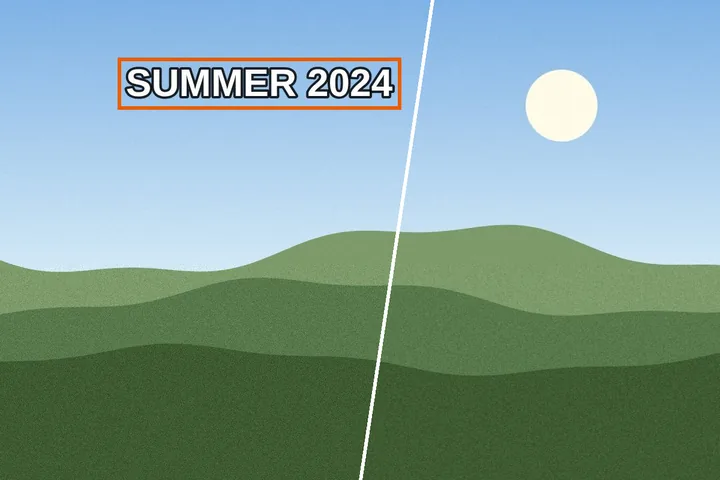
One press, a different fill per region
A caption across the sky, a date in the corner on a lawn and a label on a flat grey panel are three different problems, and one fill for all three gets at least one of them wrong. This mode reads the ring of ground around each box first and sends each region to the fill that suits it, then runs them as separate passes in one go.
What comes back is the same review surface as everywhere else on this site: each region marked done or flagged, ink counted before and after, the original one key away. Select a flagged region and press U to put just that one back.
The finder here is arithmetic, not a trained detector. The only trained model is the fill, and it runs on this device.
Where this mode goes wrong
- Textured ground without the model is a compromise.The patch fill copies real ground from beside the box; on brickwork or a pattern it can repeat visibly.
- A line crossing a box is guessed, not known.The model invents a plausible continuation, which can be confidently wrong; that is why crossing regions go to diffusion.
- Large boxes are fiction.Over a face, a hand or a unique object no fill can know what was there.
What stays on this device
The picture is decoded, scanned and filled in this tab. The only download is the model, 40.63 MB, and only after you tick the box that names it; the picture never travels the other way.
Questions about the one-press run
What is "AI" here, and where does it run?
The AI is the structure-aware fill: MI-GAN, a small image-inpainting network (MIT), run by ONNX Runtime in this tab. Finding the lettering is not AI — it is arithmetic on the pixels (ink standing off its neighbourhood, baseline slope, lighting drift), which is why it costs nothing to download and changes nothing until you press Remove.
How big is the model, and is it kept?
26,639,447 bytes of weights plus the WebAssembly runtime, 40.63 MB in all, fetched once from our model file server after you tick the box that names that size. Its SHA-256 is checked before it is used and it is kept in this browser's cache; a button in the Fill panel deletes it from the device.
Does it remove everything it finds?
No. Lettering laid over the picture opens ticked; lettering that belongs to the scene — a shop sign, a book cover, a number plate — opens unticked and stays unless you tick it. Nothing is removed until you press the one button, and every region it removed is measured afterwards and flagged if ink is left or a seam shows.
What does it miss?
Faint, curved, very small and hand-written text, and occasionally it boxes a patch of foliage or fabric that looked like strokes. A box you draw yourself is always available, and the eager setting finds more at the price of more false boxes.
Which fill does each region get?
The ring of ground just outside each box is measured first. Flat ground gets flat colour; ground with a line running through it gets diffusion, because a visible smear is better than an invented line; textured ground gets the model if you allowed it and the patch fill if you did not. The panel says how many regions sit on texture before you press anything.
Where the job goes next
- ImageTextRemover Draw a box over the lettering, keep the boxes you meant, and get the picture back with the ground painted across them.
- Remove text from a photo Camera pictures: the scene's own signs left alone, grain kept by the patch fill, HEIC opened directly, capture date kept or dropped.
- Edit text in an image Remove the old words, then retype in their colour, size and angle, in the closest local font by shape.