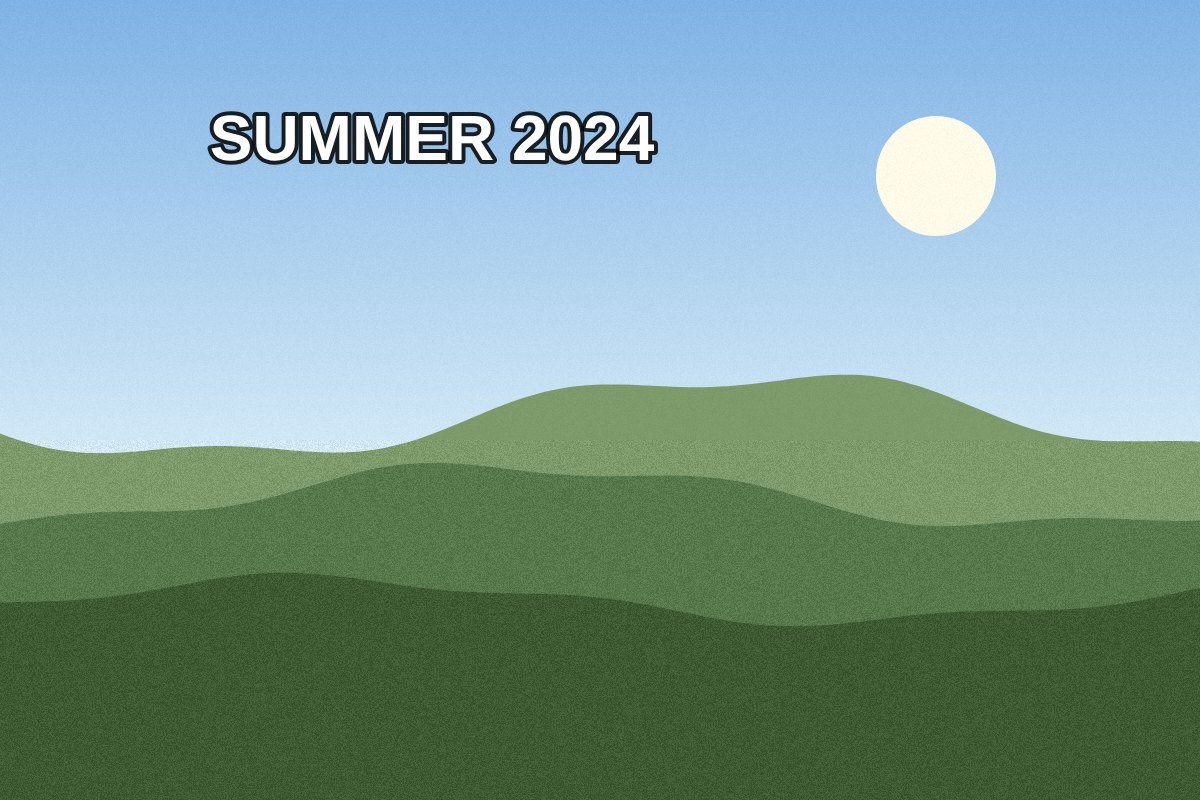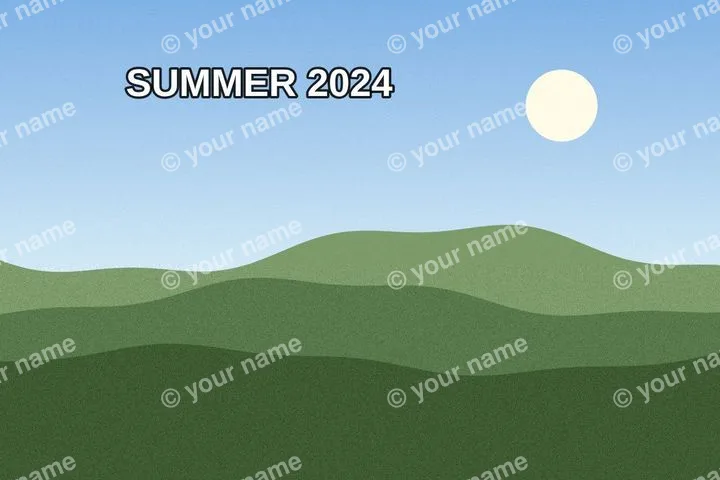
Why the first rectangle starts there
Translucent text changes every pixel beneath it rather than replacing those pixels outright. The fill therefore rebuilds an estimate of the ground; it cannot mathematically subtract the mark and recover an untouched original.
Work in short boxes when a long mark crosses several different surfaces. One huge fill has to reconcile sky, clothing and architecture at once and usually softens all three.
Removing a mark does not change copyright, licence or attribution duties. This workflow is for your own watermark, a licensed asset whose provider allows removal, or a file you have explicit permission to modify.
The boundary of the fill
- No invisible original survives underneath burned-in text.The fill estimates a plausible surface from nearby pixels; it does not reveal a hidden layer.
- Busy structure is not a flat-ground job.When letters cross a face, hand, product edge or unique texture, a small automatic fill may redraw the wrong thing convincingly.
Questions before applying the fill
What decides whether the filled area looks natural?
The ground around the box. Flat sky, painted walls and soft out-of-focus areas provide consistent evidence. Faces, hands, lettering, grids and unique objects require structure the surrounding pixels may not contain.
Should the box touch the letters?
Give every glyph a small margin so antialiasing, shadow and outline are included. A box clipped to the visible dark core leaves a pale or coloured trace around the fill.
Can I undo a bad pass?
Yes. Box geometry and fill operations are kept as reversible steps, and holding Space, or the Original view, shows the frame as it arrived.