Outlined letters are two shapes
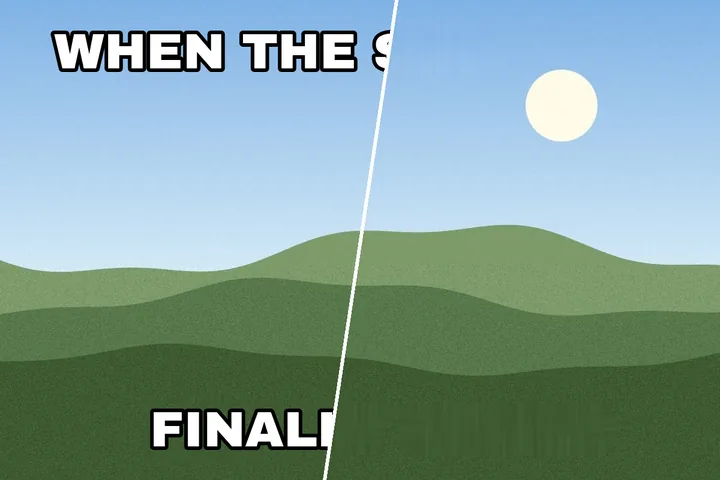
The classic meme face is white with a black edge. To a brightness-based mask those are two shapes of opposite polarity wrapped round each other, and clearing only the white leaves a black outline of every word floating on the picture. The outline option measures which way the ink stands, then takes the opposite-brightness ring within a few pixels of it as well.
Captions on a solid strip are a different job: the strip is not part of the photograph at all. Fill it as a whole box, or — when it runs along the frame's edge — crop it off. The crop is a separate choice, never something a fill does on its own.
Where this mode goes wrong
- Letters across a face.Meme text often crosses the subject; the fill cannot recover a mouth or an eye.
- Thick outlines on busy ground.A wide black edge removes a lot of real picture, and the fill has to invent all of it.
What stays on this device
The picture, the mask and any new caption you type exist only in this tab. Typed text is never sent anywhere or stored.
Questions about captions
Does it handle white text with a black outline?
Yes — this page opens with "Take the outline with the letters" ticked. The mask takes the white strokes and the dark ring hugging them in one pass, so no dark ghost of each word is left behind.
Can I remove the coloured caption strip itself?
Yes. Switch the mask to Whole box and the strip is rebuilt from the picture around it. If the strip sits on the edge of the frame, you can instead tick "Crop the strip off" and the saved file simply loses those rows.
Will the photo be cropped?
Never unless you tick the crop box, and the export line says the new size before you save. Without it the saved file is exactly the size you opened.
Can I put my own caption in its place?
Yes. Select the region and use Retype: new text is pre-sized to the old letters, in their colour, with the outline pre-set when one was found. It stays editable until you save.
Where the job goes next
- Edit text in an image Remove the old words, then retype in their colour, size and angle, in the closest local font by shape.
- Remove story text The see-through caption bar is measured and un-blended off the photo, and only the letters are rebuilt.
- Remove text from a photo Camera pictures: the scene's own signs left alone, grain kept by the patch fill, HEIC opened directly, capture date kept or dropped.